Connected Worker · Module 05

Engineering

The drawing and the real asset, one click apart.
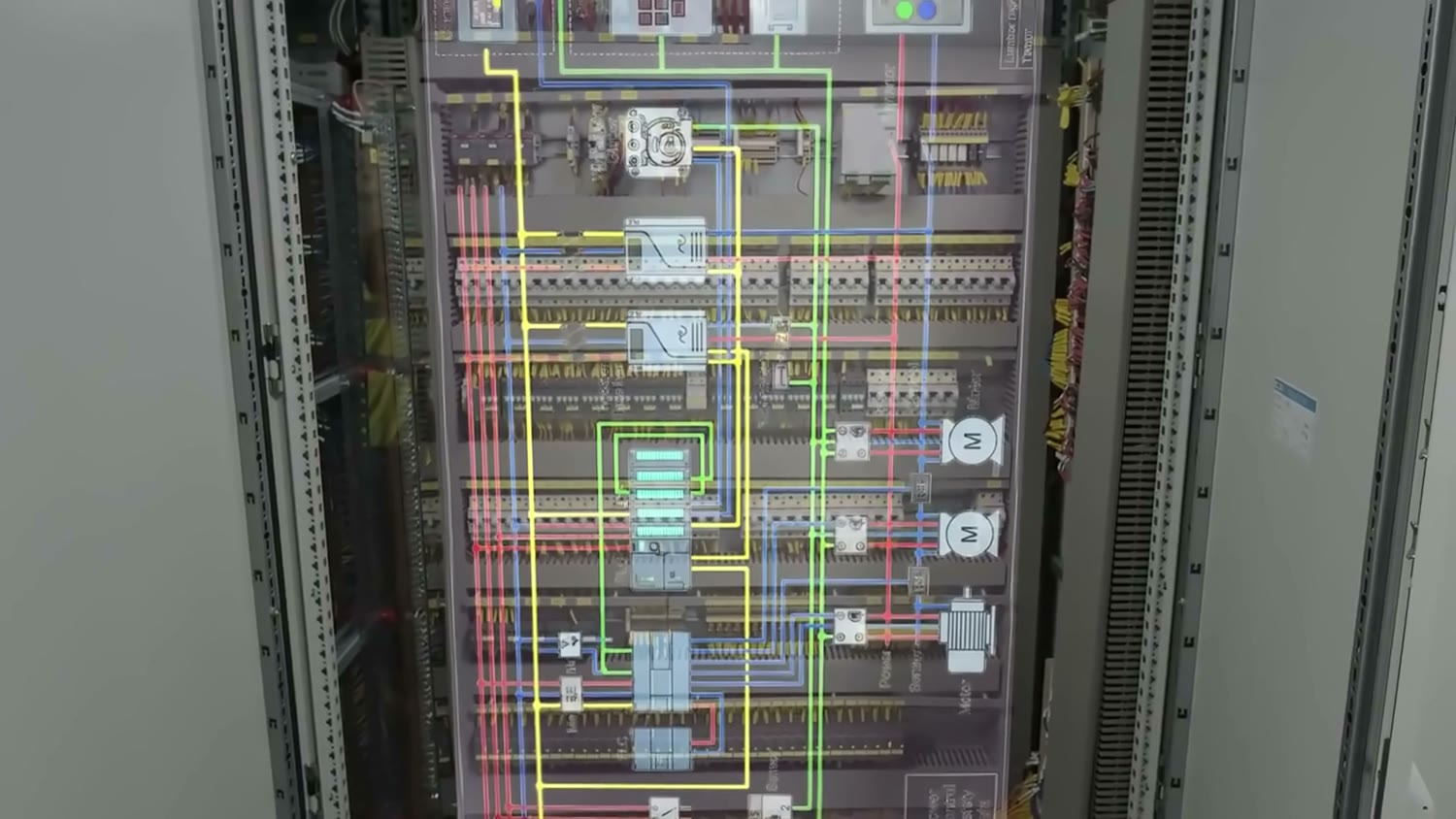
Panel MCP-1 · WiringSheet 7
PUMP P-101FAN F-12MIXER M-3
21 of 21 tags found
Linked to the real panel
The promise

The Control Room. And the Site Itself.

One live 3D twin of your facility: every asset, drawing and sensor reading.

Off-site ยท Browser
Walk the plant remotely Triage from anywhere IoT ยท history ยท work orders
On-site ยท Mobile & AR
Workflows on the real site Indoor wayfinding Phone ยท tablet ยท glasses
Trusted & enterprise-ready

Secure, Scalable, Built for Global Operations.

ISO/IEC 27001 GDPR & UK GDPR AES-256 & TLS 1.3 SSO & role-based access Region-pinned data 99.9% uptime · Multi-AZ
Mondelฤ“z
ICL
Bazan Group
Optical Center
Port of Ashdod
Baxter
Granite
AstraZeneca
Hadassah
Mekorot
Roche
AWS
DFW Airport
Valvoline
Apple
Anheuser-Busch
Nike
How it gets built

From Walk-Through to Live Twin in Days.

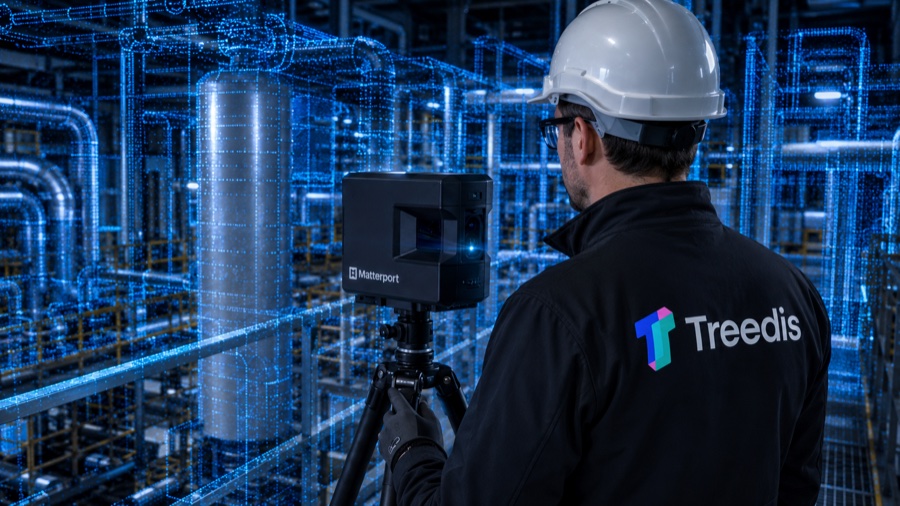
Scan the site
01

Scan the site

Walk the facility with a Matterport Pro2 or Pro3. Every room and asset, in photo-real 3D.

~1 day per site
Edit and enrich
02

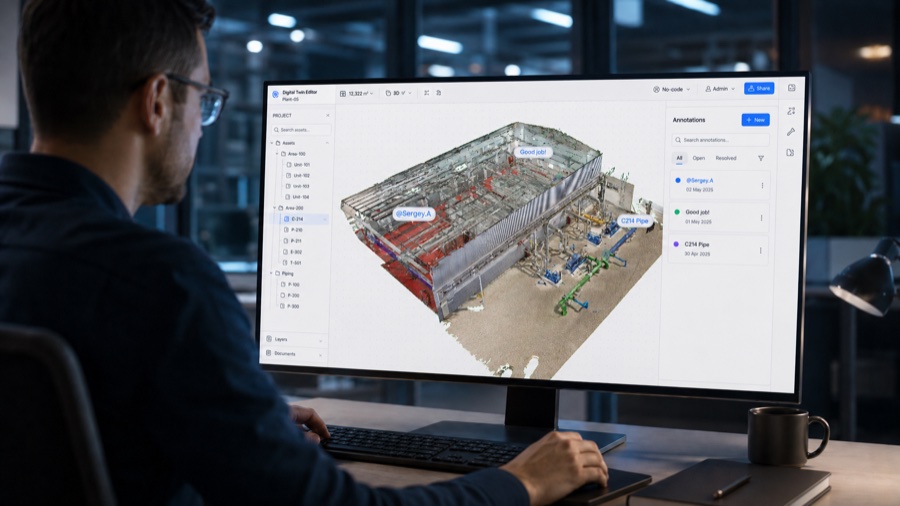
Edit & enrich

TAI auto-tags the assets. Your team links SOPs, P&IDs, IoT and work orders, no code.

Hours, not weeks
Deploy
03

Deploy

Mobile app for the field, browser for the office, TAI live from day one.

Live in days
The platform, at a glance

Six modules and one AI, in a single twin.

Treedis AI · TAI One AI across every module. It knows your assets, reads live data and turns it into action.
In focus

Engineering

Drawings and P&IDs, linked to the 3D equipment.

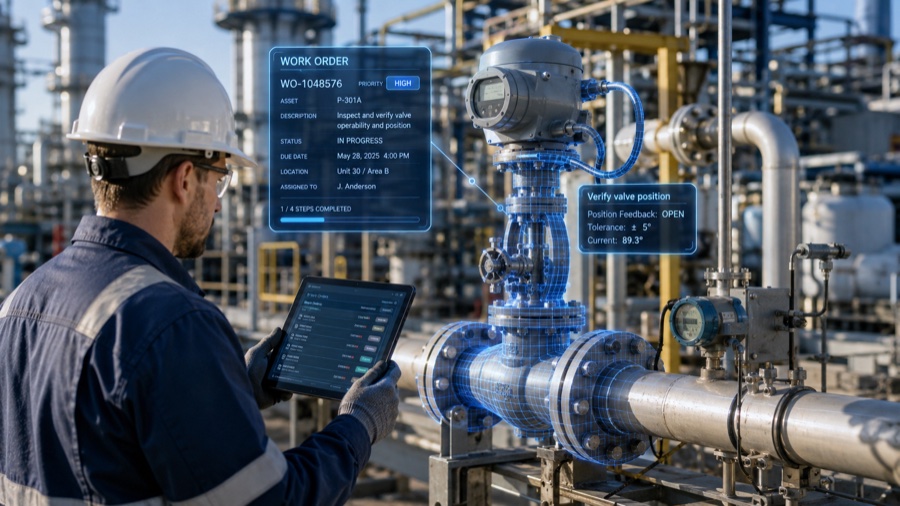
Maintenance

Work orders on the asset, synced with your CMMS.

Knowledge

Procedures, guided flows and courses, in the twin.

Operations

Sensors, SCADA and alerts, live in the twin.

AR & Spatial

AR overlays, wayfinding and smart glasses.

Safety

Hazards, permits and EHS records, in place.

Engineering module

The drawing and the real asset, one click apart.

Every symbol on your P&IDs, tied to its asset in the twin. Tap one and you’re there, on desktop, tablet or in AR.

Engineering · 01 / 02

Upload a sheet, TAI finds the tags.

Every PDF page becomes a diagram sheet. TAI detects the tags and symbols and proposes a match for each, which you approve or correct.

Upload & detect
Engineering · Once it’s linked

Click the symbol. Stand at the asset.

Pick a component on the P&ID and the twin takes you to that exact asset on the floor, in 3D.

Diagram to twin
Engineering · 02 / 02

See what connects to what.

Every asset carries its own graph: sensors, work orders, hazards, procedures and the equipment feeding it, so you see what a change affects before you make it.

Relationships
Engineering · TAI

Ask what feeds it. See it on the drawing.

TAI answers from your P&IDs and the twin, and cites the sheet and the asset behind every answer.

Grounded in your drawings
Customer results

Real sites, real results.

Ports

Port of Ashdod

84%Faster troubleshooting for new technicians, 50% for veterans
Chemicals & minerals

ICL

1 systemFor every fault, instead of the board, SAP and WhatsApp
Construction

Granite Construction

30 minFor a non-developer to build a full site training
01 / 17